

Appearance
Release notes: September 2 to September 15, 2026
IMS and DL/I are read in depth, DB2 tables describe themselves from their DCLGEN members, administrators get Analysis insights, and any tool that supports MCP can ask Nomain directly.
Expect the first analysis of an existing System after this release to take longer than usual on a large estate, once, as it brings these reading improvements to that System.
Nomain app and agent
Nomain Code and the VS Code extension
- Signing in to the VS Code extension now gives you Nomain Code with nothing to turn on.
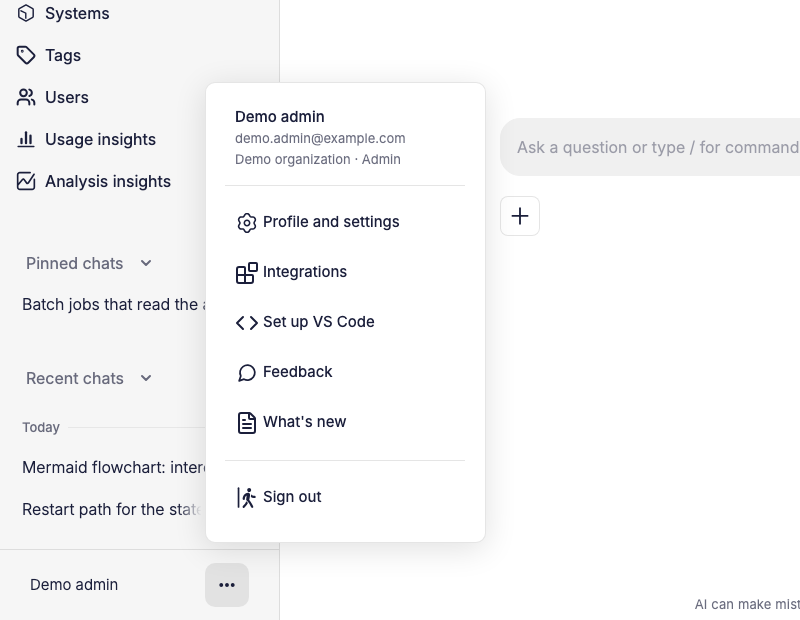
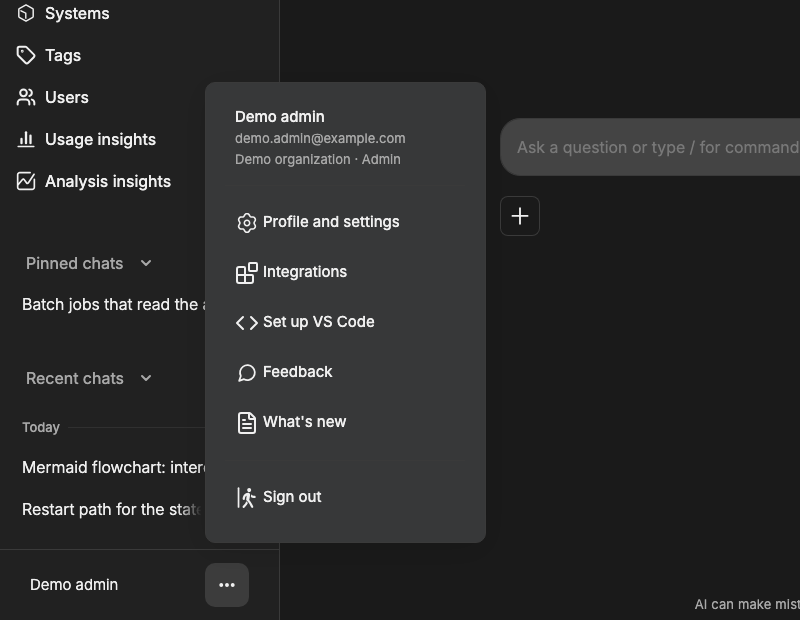
- Set up VS Code in the web app's user menu now opens the editor, asks you to confirm the server and signs you in, and nothing is written to your settings until you confirm.
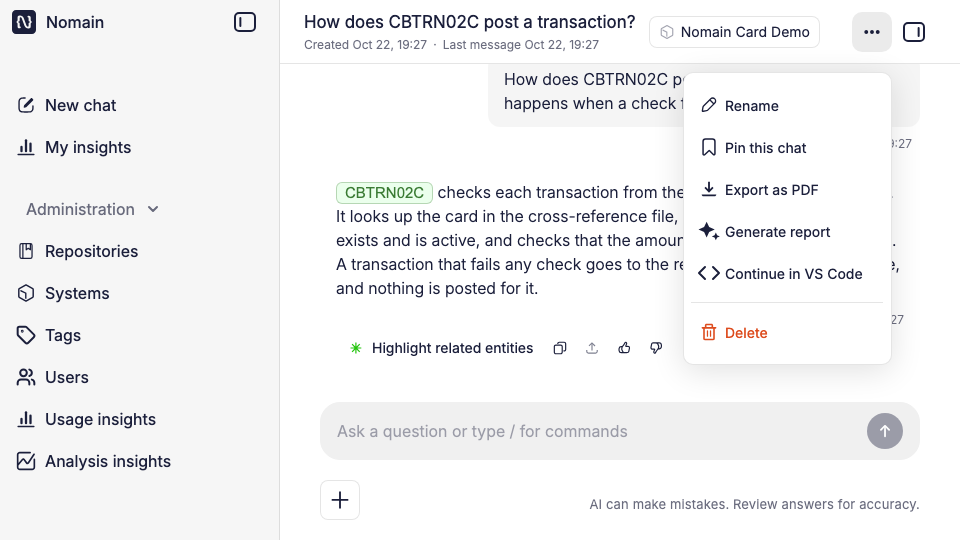
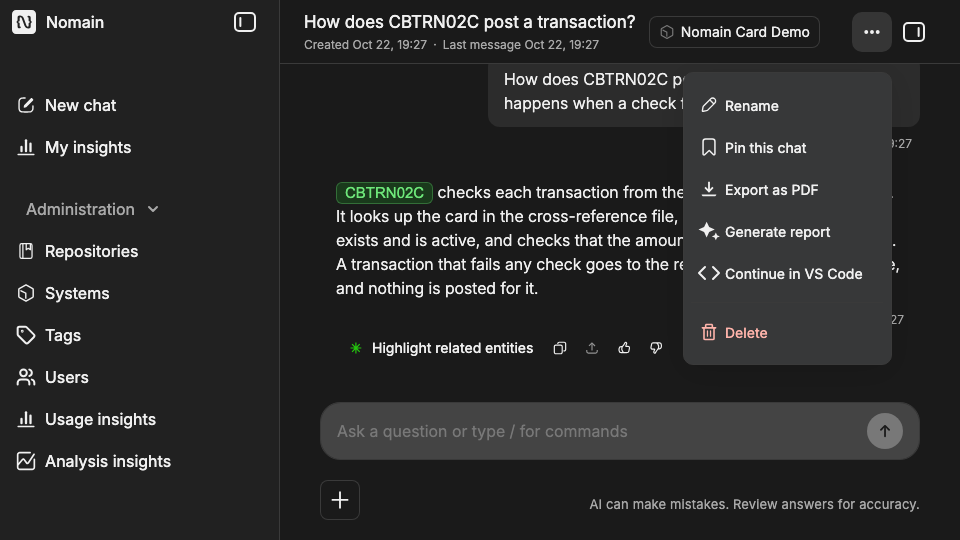
- Continue in VS Code in a chat's menu now opens that conversation in the extension with its System selected, and once the coding agent answers there, the chat continues only in the editor.
- Long coding sessions now keep going without losing the thread.
- You can now resume a past coding conversation from the chat history, including after reloading VS Code, changing workspace folder or updating the extension.
- Renaming a token that appears many times in a file is now one review hunk that you accept once.
- Finished coding-agent answers in the extension now have the same copy, thumbs up and thumbs down controls as the web app.
- Coding-agent answers that ran tools now show in full in the web app.
- With an archived System selected, the extension's message box now reads "This System is archived" and you cannot send, add context or start a new chat, as in the web app.
Settings that have been removed or changed
A stale entry in your settings.json is ignored.
nomain.agent.chatSync.enabledis removed: every finished coding-agent turn is now copied to your Nomain workspace, with your question, any code you attached, the answer and a summary of the steps and files, but not the files it read or the diffs.nomain.agent.sessionLog.enablednow defaults to on: a copy of each conversation, including the workspace files the agent read, is kept only on your computer and readable only by you, and Nomain: Clear Local Sessions deletes it.- The approval-mode and command settings are removed: you choose the approval mode in the chat composer, every new chat starts in Review, and the agent can propose commands in every mode.
Ask Nomain from the tools you already use
- Any coding agent, editor or assistant that supports the Model Context Protocol (MCP) can now connect with your Nomain sign-in, list the Systems you can access and ask about them in plain language, acting as you and with read-only access (Ask Nomain from other tools).
- The server address is
https://app.nomain.com/api/llm-proxy/mcp, or the same path on your organization's own Nomain address if it has one. - Answers take up to 90 seconds and describe the code as last analyzed, so check your working copy before changing anything.
- If you belong to several organizations, the tool connects to the one you chose at sign-in.
System memory
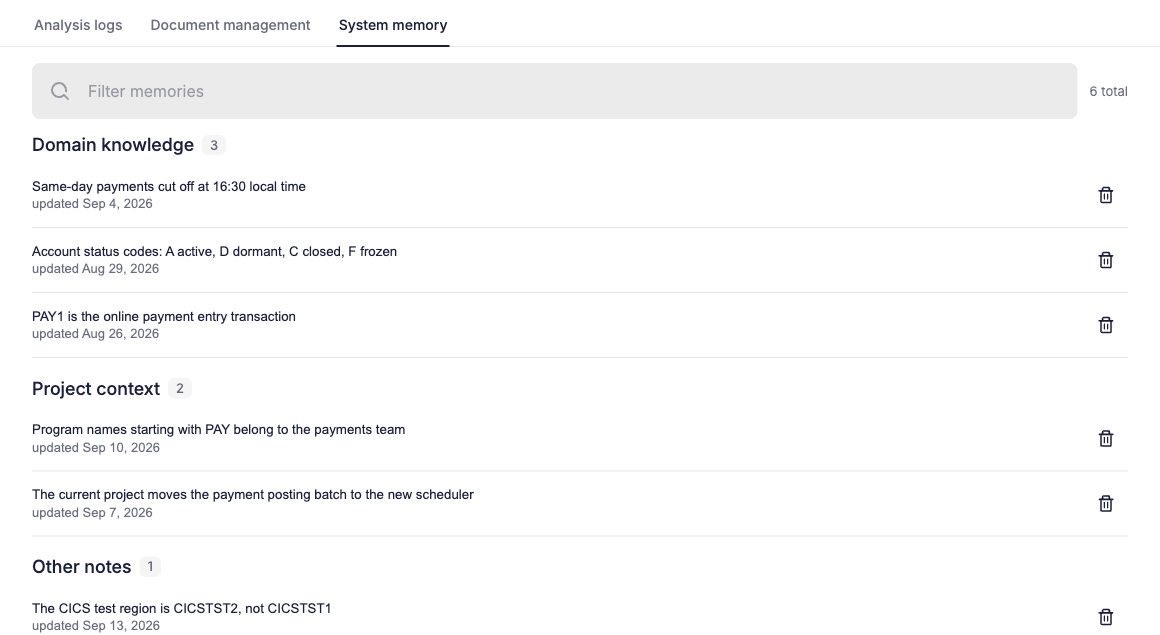
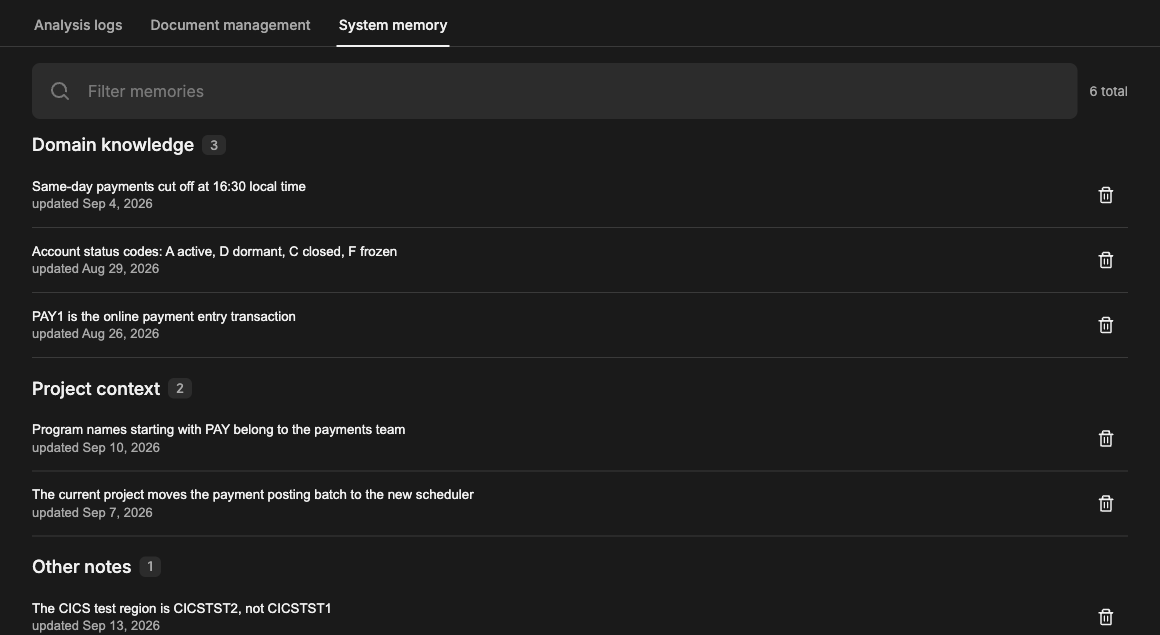
- Administrators can now filter, read, correct or delete what the assistant remembers about a System from a new System memory tab on the System detail page.
- Edits and deletions are recorded in the audit log without the note's text.
- Entries are written by the assistant as it works, and you cannot add one by hand.
Chat
- When a request is refused on safety grounds, the answer now says so and suggests rephrasing.
- On a long or complex question, the assistant now gives a partial answer and says what is missing, rather than no answer.
- Searches that ignore capitalization now return their matches.
- The Send this as feedback? draft is now written in English whatever language you chat in, and nothing is sent unless you send it.
- The map of a System is now called the System map, and its parts and connections carry plain names in the web app, the extension and CSV exports.
Analysis and system management
IMS
- Nomain now reads IMS DBDGEN and PSBGEN decks, so your System shows each database with its segments, fields, hierarchy, indexes and logical relationships, and each PSB with its PCBs (Supported languages & sources).
- The processing options for every segment and field a PCB is sensitive to are kept, so read-only and update access stay distinct.
- Each batch job step is linked to the PSB it schedules, even when the PSB library was not delivered.
- Answers cite the statements each IMS definition was read from, and you can jump to them.
- Only files with the
.dbdor.psbextension, in either letter case, are read as IMS decks.
DL/I calls
- DL/I calls in COBOL and PL/I, written as
EXEC DLIor as a call toCBLTDLI,PLITDLI,AIBTDLIorCEETDLI, are now shown under the paragraph or procedure that makes them, with their operation, the segments they name in order, how they qualify the search and the fields they read or fill. - A call whose operation the program builds at run time shows no operation rather than a guess.
- DL/I calls from assembler, C or Pascal are not read.
DB2, screen maps, PL/I and JCL
- Nomain now reads DCLGEN members, so a DB2 table whose
CREATE TABLEwas never delivered shows its columns from theDECLARE ... TABLEdeclaration, with the member and lines they came from. - A table that is only ever referenced now shows that no definition was delivered, rather than looking like an empty table, and the assistant says so when you ask about it.
- More BMS map sets are now read in full, including those that use the HLASM substitution period, a
DFHMDIwith no name, or a quoted screen caption at the start of a statement. - PL/I source now displays line by line, with its comments.
- JCL members with an IMS region-controller step that names no program are now read in full, so their jobs, steps, DD statements and datasets appear in the System.
Analysis insights
- Administrators get a new Analysis insights page, next to Usage insights, showing runs, success rate, analysis time per million lines of code and token consumption for a time range and, optionally, one System.
- The page also has tables by step, System and analysis type, with a CSV export.
- Everyone now sees an Analysis card on a System's detail page, summarizing its last 30 days.
- Per-step figures start from this release, so earlier days show zero.
Refreshes and filters
- Refreshing a System now takes time in proportion to the size of the change, not the size of the repository.
- A refresh interrupted part-way now resumes.
- Search now lists each document once.
- Changing a path filter now updates a System's figures and its map on the next analysis, without a full re-analysis.
- Saving a path filter now tells you when the change takes effect, and says so when it changed nothing.
- An open System page now updates when a repository it shares with another System is analyzed again.