
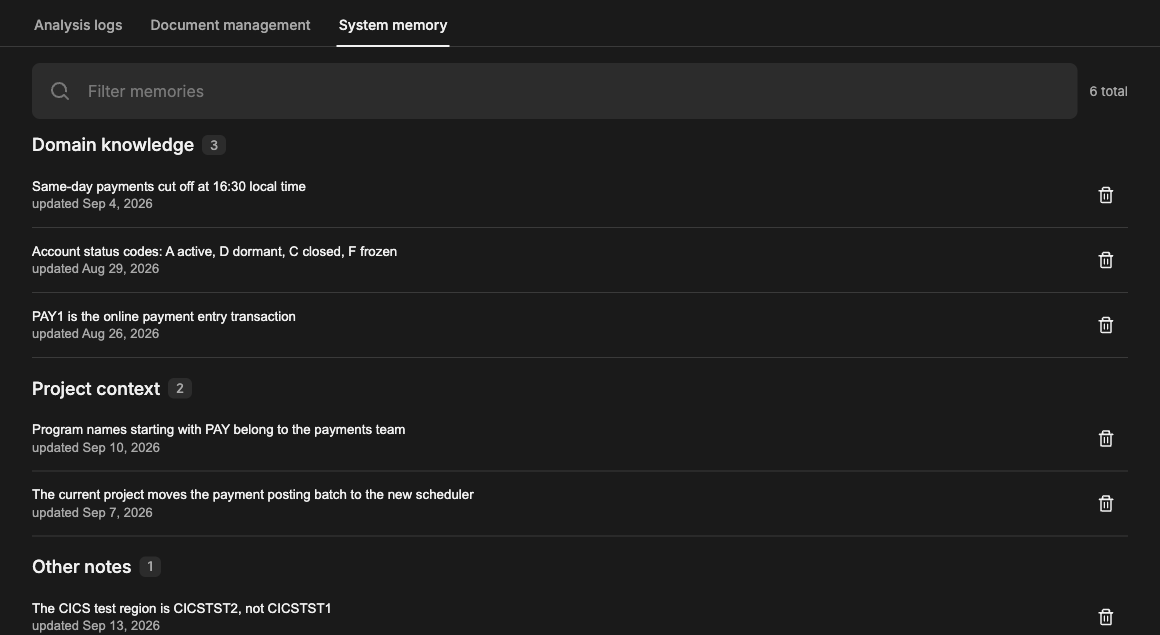
Appearance
System memory
Admin only
As people chat about a System, the assistant records durable facts about it: what a transaction code means in your estate, which migration is in flight, a constraint that is not evident from the code. Unlike your own memory, these notes belong to the System and are shared with everyone working on it.
A wrong note about a System reaches every colleague who asks about it. The System memory tab is where an administrator reviews, corrects and removes these notes.
Opening System memory
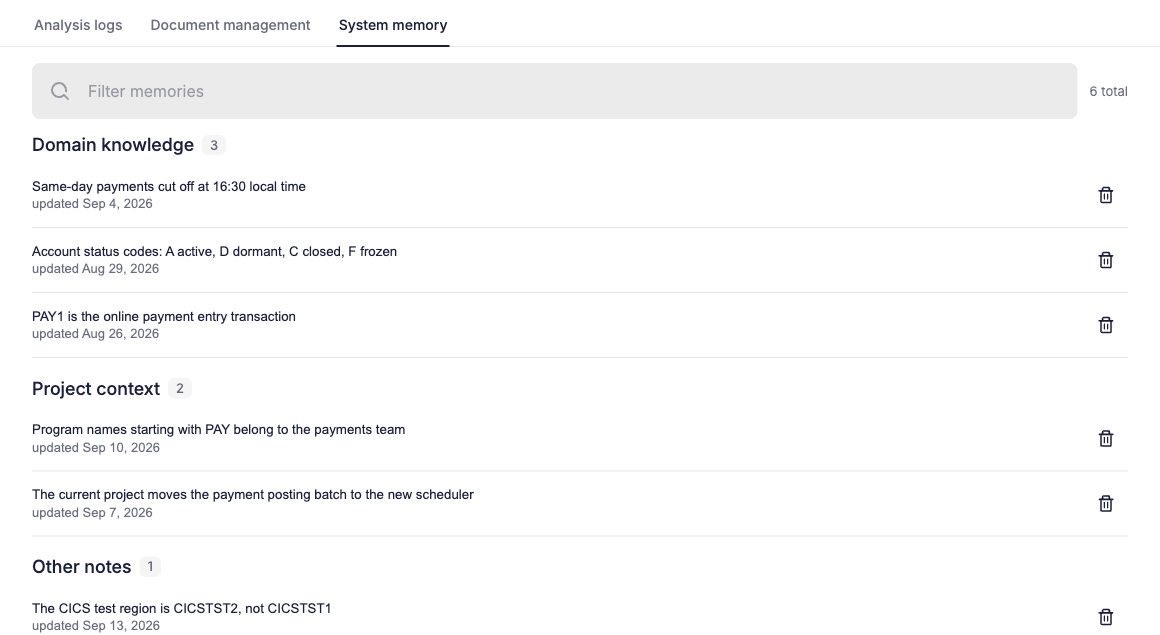
Open a System and select the System memory tab, beside Analysis logs and Document management. The tab appears only for administrators.
| Section | What it holds |
|---|---|
| Domain knowledge | What things mean: the System's purpose, record types and their codes, business rules and terms. |
| Architecture | How it is built and runs: core programs and their role, processing cycles and why each run exists, where key data lives. |
| Landscape | What surrounds it: each other system it exchanges data with, in or outside Nomain, what and why (one note per system), and the teams that own it or depend on it. |
| Sources of truth | Where the truth lives, and which comments or documents are outdated. |
| Project context | What is changing: migrations in flight, what is being decommissioned, decisions and constraints that reading the code would not reveal. |
| Other notes | Anything durable that fits none of the above. |
Each entry shows a one-line summary and when it was last updated. The most recently updated come first, so an entry you edit moves to the top of its section.
Recording what the code does not say
These sections fill from ordinary chats, and from the /system-onboarding skill, which anyone who knows the System well can run in a chat on it. The skill files each answer under the section it belongs to.
Each note's one-line summary states the fact itself. A note keeps apart what the System's code confirmed (Confirmed in the code:) from what only a person said (According to the person's name*😗), so you can tell which to trust when you review it.
Reviewing, editing and deleting
- Filter: type in Filter memories to narrow the list by an entry's summary or its section name. A counter shows how many entries are shown out of the total.
- Open: click an entry to see its section, a Summary field, and a Content field with the full text the assistant will recall.
- Edit: change the summary or content and click Save. Save stays disabled until you make a change.
- Delete: click the trash icon on a row and confirm.
If the System has no shared memory yet, the tab explains that entries appear as people chat about it.
Written by the assistant, not by you
There is no "add entry" button. Entries accumulate from conversations about the System, and from notes recorded with /system-onboarding. This tab is where you correct what is wrong and remove what should not be shared.
Edits are recorded
Editing or deleting a System memory entry is an administrative action and is recorded in the audit log, with the System it belongs to. The note's text is not copied into the audit record.
Related
- Skills: calling
/system-onboardingand other Nomain skills in chat. - Agent memory: the notes the assistant keeps about you, private to your account.
- Systems: the System detail page this tab belongs to.
- Document management: attaching your own documentation to a System.